Publishing an Android app in 2026 is more than just hitting "upload." With Google’s latest security updates, developer verification rules, and mandatory testing phases, the process has become more structured. Whether you are a first-time developer or a seasoned pro, this guide will walk you through the entire journey—from account setup to the final production release.
🚀 What’s New in 2026?
Before we dive in, it’s important to note two major shifts in the Google Play ecosystem:
Step 1: Set Up Your Google Play Developer Account
To get started, you need a developer account.
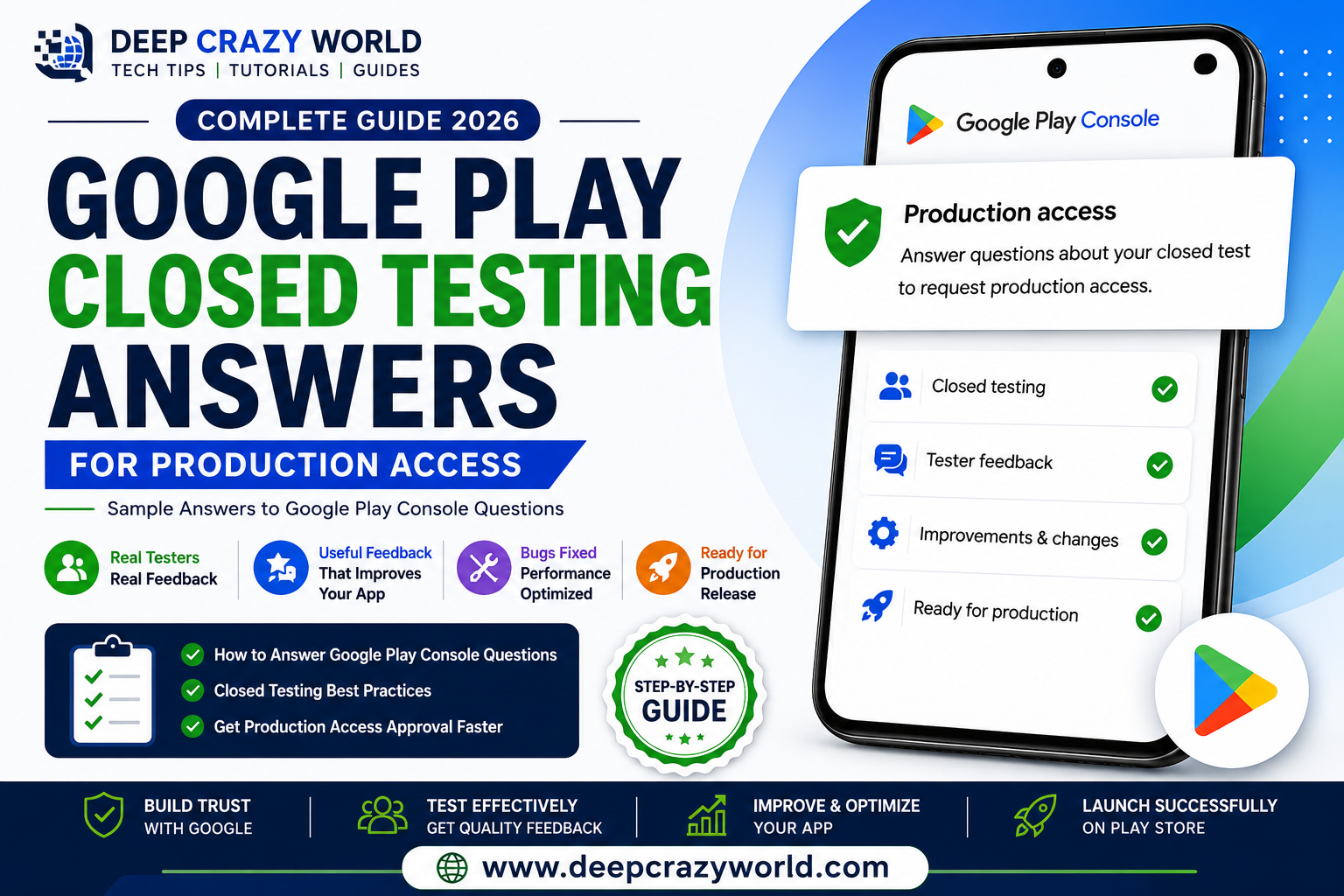
Step 2: Pass the 14-Day Testing Phase (Crucial!)
For individual developers, you cannot go straight to "Production." You must first use the Closed Testing track.
Step 3: Prepare Your Store Assets (ASO)
Your "Store Listing" is your first impression. You need professional icons and screenshots to rank well and convert visitors into users.
App Icons
Don't just resize a single image. Use an icon generator to create the various sizes needed for Android (and iOS).
Professional Screenshots
Screenshots should tell a story. Instead of raw phone captures, use 2D or 3D templates to add device frames and descriptive text.
Step 4: Privacy Policy & Data Safety
Google is extremely strict about user privacy in 2026. Every app must have a Privacy Policy URL.
Step 5: Upload the Android App Bundle (AAB)
Forget APKs; the Android App Bundle (.aab) is the standard. It’s smaller, more secure, and optimized for different device configurations.
Step 6: Review & Submit
Once everything is filled out—from Content Ratings to the "Age Signals API"—hit the Submit for Review button.
How to Upload App on Play Store 2026: Step-by-Step Full Guide
Helpful Resources for Developers
Conclusion: Publishing in 2026 requires patience, especially with the 14-day testing rule. Plan your launch at least three weeks in advance to account for testing and review times. Good luck with your launch!
#AndroidDev #AppDevelopment #GooglePlayConsole #PublishApp2026 #GooglePlayStore
Related Articles