Simple face recognition authentication (Sign up + Sign in) written in Flutter
FaceNetAuthentication
Simple face recognition authentication (Sign up + Sign in) written in Flutter using Tensorflow Lite and Google ML Kit library.
Stack
Flutter
For help getting started with Flutter, view our online documentation, which offers tutorials, samples, guidance on mobile development, and a full API reference.
https://flutter.dev/
Tensorflow lite
TensorFlow Lite is an open source deep learning framework for on-device inference.
https://www.tensorflow.org/lite
Flutter + Tensrorflow lite = tflite_flutter package
TensorFlow Lite plugin provides a dart API for accessing TensorFlow Lite interpreter and performing inference. It binds to TensorFlow Lite C API using dart:ffi.
https://pub.dev/packages/tflite_flutter/install
Support
If you’re interested in contributing, please let me know emailing me to marcoscarlomagno1@gmail.com
Setup
1- Clone the project:
git clone https://github.com/MCarlomagno/FaceRecognitionAuth.git
2- Open the folder:
cd FaceRecognitionAuth
3- Install dependencies:
flutter pub get
Run in iOS directory
pod install
4- Run on device (Check device connected or any virtual device running):
flutter run
To run on iOS you need to have a developer account. See here https://stackoverflow.com/a/4952845
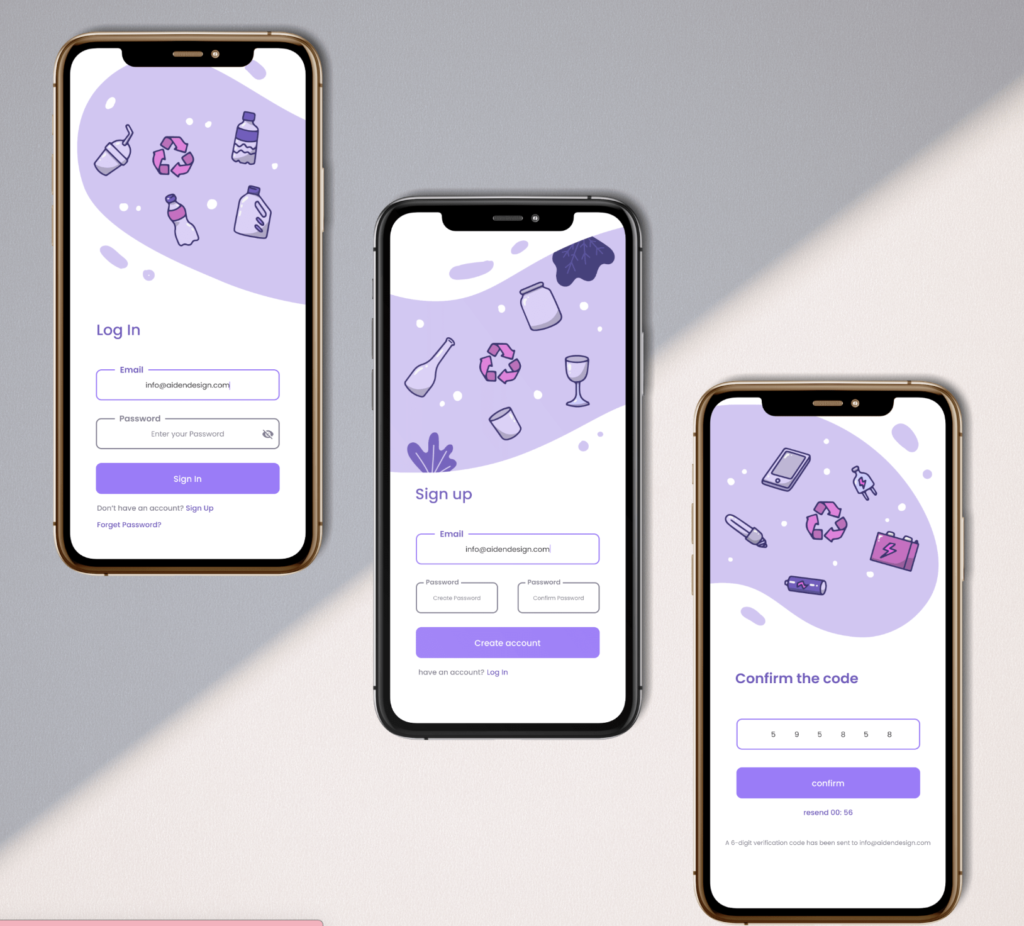
Screenshots
Licence
https://opensource.org/licenses/BSD-3-Clause
Resources Used:
You can check out the entire code of this App here:
Get Full Source Code
Conclusion
This was all about a quick go through the basic flutter App UI Screen. If you need any assistance regarding flutter app development, you can consult a flutter developer from FlutterDesk. We would love to be of help. Still, if you feel any difficult while dealing with Flutter app development projects, you can reach out to us or hire Flutter developers to outsource any of your app development project.
Do like & share my Facebook page. if you find this post helpful. Thank you!!
Happy coding! 😉
Related Articles:
READ MORE