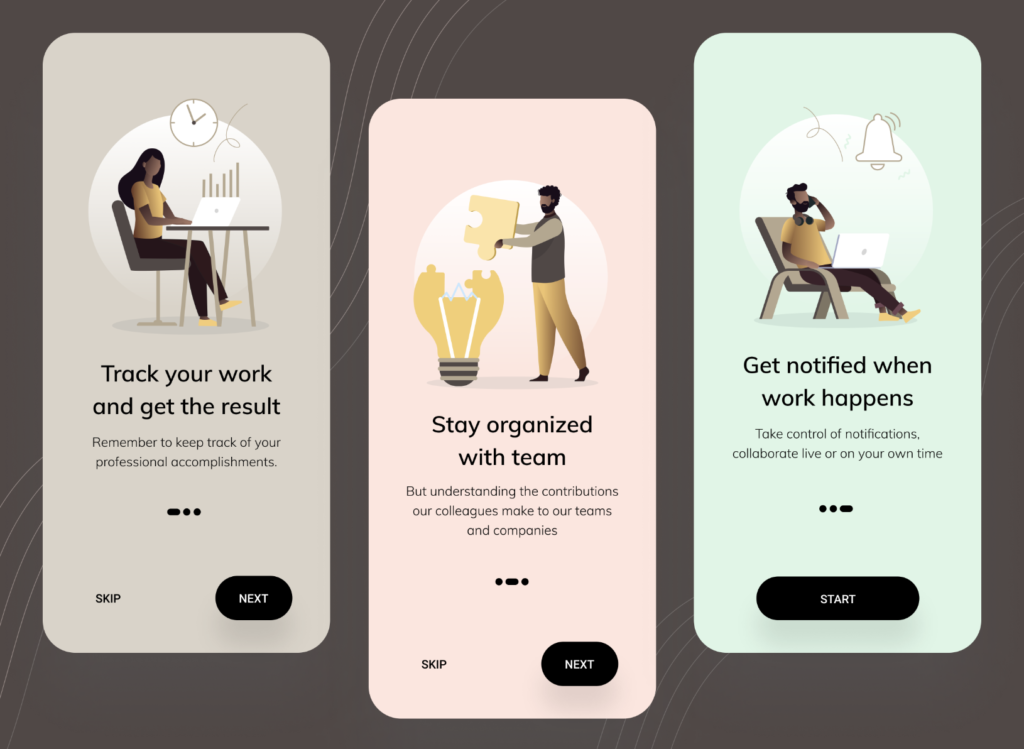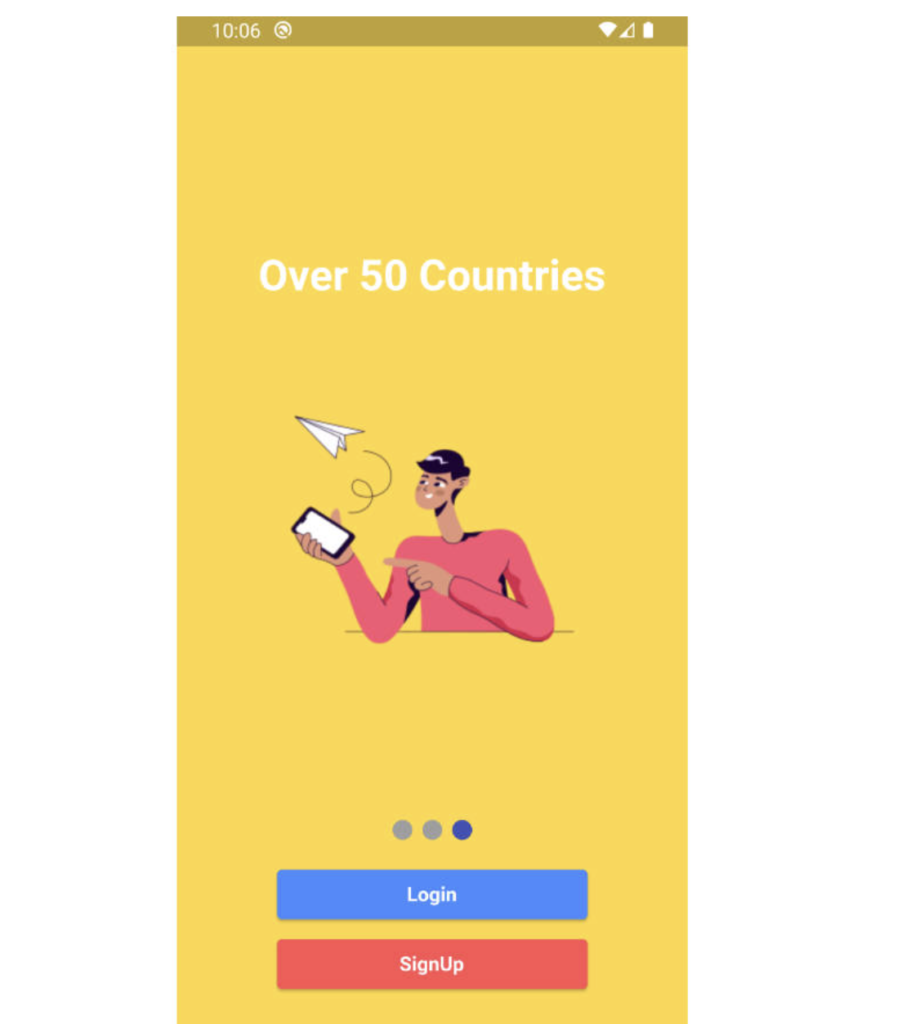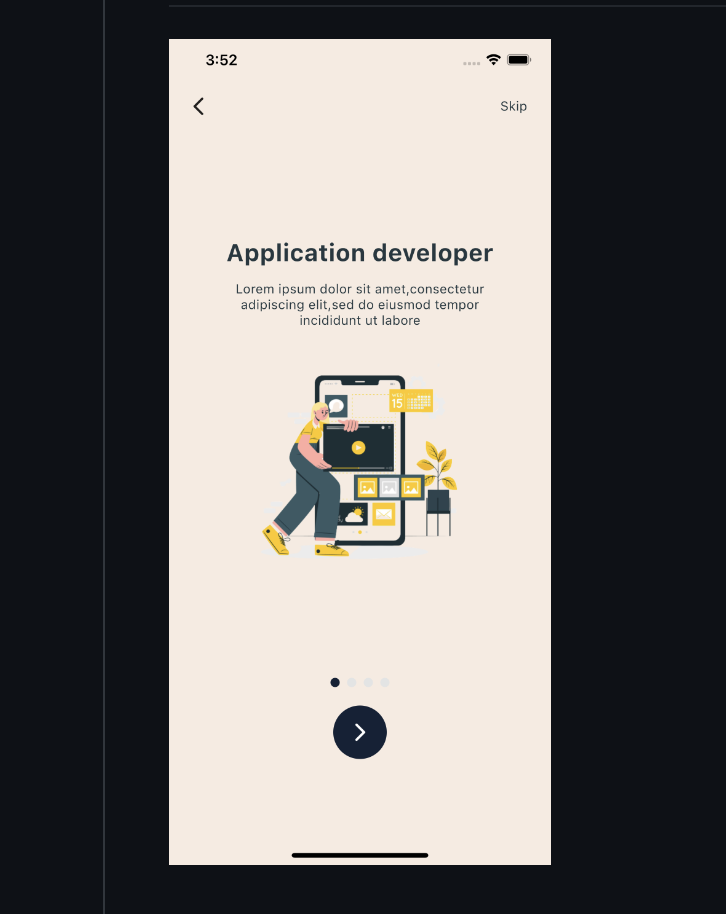
Create onboarding page using flutter package provide - This package provide easily create onboarding page.
Features
You can edit colors and text styles.
Getting started
Add in your pubspec.yaml file lastest version of onboarding_plus
Usage
Call this widget in body OnboardingView()
@override
  Widget build(BuildContext context) {
    return Scaffold(
        body: OnboardingView(
      pageList: onboardingList,
      pageWidth: MediaQuery.of(context).size.width, //context.width,
      pageHeight: MediaQuery.of(context).size.height, //context.height,
      backgroundColor: Colors.black,
      skipButtonColor: Colors.purple,
      skipButtonTextStyle: const TextStyle(color: Colors.white),
      nextButtonTextStyle: const TextStyle(color: Colors.white),
      doneButtonTextStyle: const TextStyle(color: Colors.white),
      deactiveDotColor: Colors.grey,
      activatedDotColor: Colors.purple,
      nextButtonColor: Colors.purple,
      onPressedSkip: onPressedSkip,
      onPressedDone: onPressedDone,
    ));
  }
Additional information
For more information you can follow developer on pub.dev
Resources Used:
You can check out the entire code of this App here:
Get Full Source Code
Conclusion
This was all about a quick go through the basic flutter App UI Screen. If you need any assistance regarding flutter app development, you can consult a flutter developer from FlutterDesk. We would love to be of help. Still, if you feel any difficult while dealing with Flutter app development projects, you can reach out to us or hire Flutter developers to outsource any of your app development project.
Do like & share my Facebook page. if you find this post helpful. Thank you!!
Happy coding! 😉
Related Articles:
READ MORE